The best CFD software in 2026 is Simcenter STAR-CCM+ or Ansys for enterprise multi-physics work, SimScale for cloud-native accessibility, and OpenFOAM for zero-cost open-source power. Which one fits depends on three things: the physics you need to solve, the hardware you have, and how much you can spend. If simulation needs to stay close to design, compare the best CAD software ecosystems before choosing a solver.
Quick-Reference Comparison Table
| Software | Best For | Pricing Model | Key Differentiator |
|---|---|---|---|
| Simcenter STAR-CCM+ | Multi-physics enterprise | Commercial license | GPU-accelerated, single-pane workflow |
| Ansys Fluent | Industry-validated turbulence/combustion | Commercial + free trial | Scalable HPC, FSI templates |
| SimScale | Cloud-native teams | Free tier + paid plans | Browser-based, AI-assisted meshing |
| Autodesk CFD | Product designers using Inventor/Fusion | Subscription | Tight CAD integration, API automation |
| Altair HyperMesh CFD | Automotive/aero meshing | Perpetual node-locked | 80% faster mesh prep |
| SOLIDWORKS Flow Simulation | SOLIDWORKS users | Add-on module | In-CAD workflow, goal-oriented optimization |
| COMSOL Multiphysics | Research multi-physics coupling | Commercial license | FEM-based, couples CFD with EM/acoustics |
| Creo Flow Analysis | PTC Creo users | Add-on module | Real-time visualization in parametric CAD |
| Simulia XFlow | Moving parts/lubrication | Commercial license | Lattice-Boltzmann, no traditional meshing |
| OpenFOAM | Academics, startups, custom solvers | Free/open source | Full source access, hundreds of utilities |
1. Simcenter STAR-CCM+ - Best All-in-One Enterprise Solver
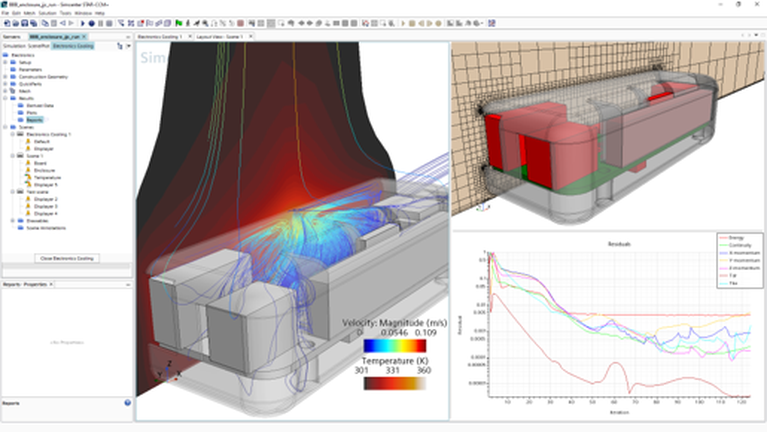
Siemens' flagship combines robust numerical methods with GPU-accelerated post-processing and a unified ribbon interface that handles CAD prep, meshing, and simulation in a single pane. The 2025.2 release added uniform spray coverage modeling, complex-fluids rheology, and streamlined scripting APIs.
Strengths: Multi-disciplinary optimization, battery-safe workflows, corrosion models, advanced multiphase solvers.
Best for: Large engineering teams running coupled thermal-fluid-structural simulations at scale.
2. Ansys Fluent - Industry Gold Standard for Validated Solvers
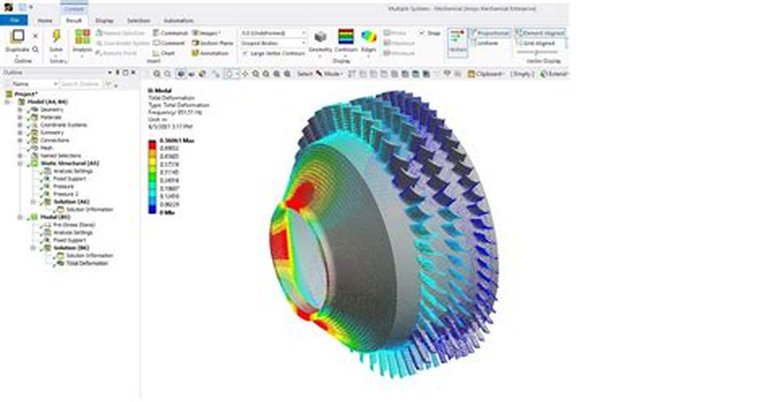
Ansys remains the benchmark for industry-validated turbulence, combustion, and multiphase solvers. The single-window workflow unifies pre- through post-processing, and scalable HPC handles millions of cells. Built-in fluid-structure interaction (FSI) and heat-transfer templates accelerate electric-motor cooling and battery design. A 30-day free trial is available.
Strengths: Proven solver accuracy, massive validation library, HPC scalability, FSI coupling.
Best for: Organizations that need regulatory-grade simulation results and extensive physics coverage.
3. SimScale - Best Cloud-Native CFD Platform
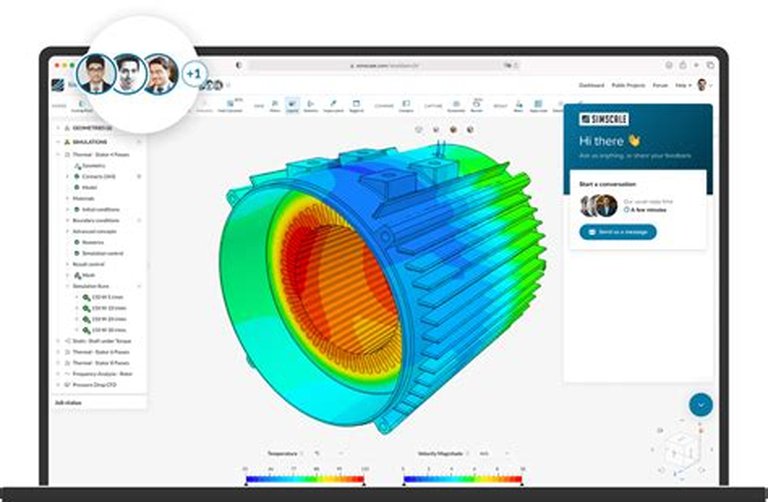
SimScale delivers browser-based CFD with AI-assisted meshing and instant cloud scalability. No local hardware requirements-run millions of cells from any laptop. Integrated conjugate heat transfer, HVAC, and aerodynamics packages cover most engineering use cases. The free community tier lets students and hobbyists work on real industrial-scale problems.
Strengths: Zero install, infinite scalability, free tier available, collaborative workflows.
Best for: Distributed teams, students, and engineers without access to HPC hardware.
4. Autodesk CFD - Best for Product Design Integration
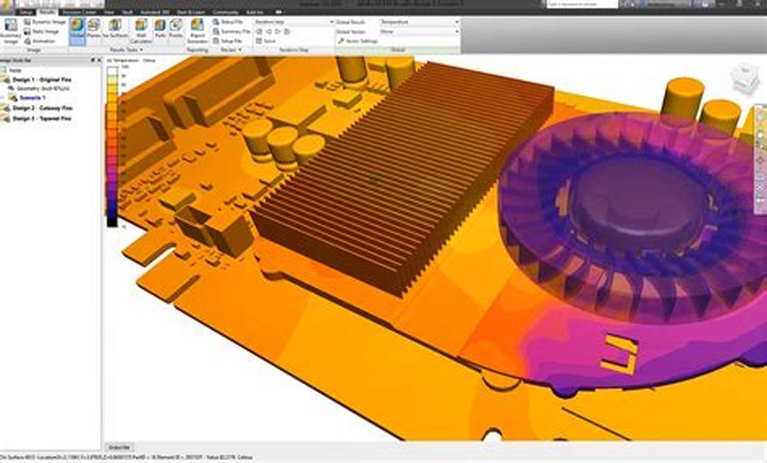
Tightly integrated with Inventor and Fusion 360, Autodesk CFD brings simulation directly into the design workflow. Ribbon commands, API automation, and native design-study arrays let engineers optimize electronics cooling, flow control, and heat transfer quickly. Simulation templates include boundary conditions for fluid flow, thermal analysis, and steady/transient regimes.
Strengths: Seamless CAD association, design-study automation, accessible UI for non-specialists.
Best for: Product designers already in the Autodesk ecosystem who need quick thermal and flow validation.
5. Altair HyperMesh CFD - Fastest Mesh Preparation
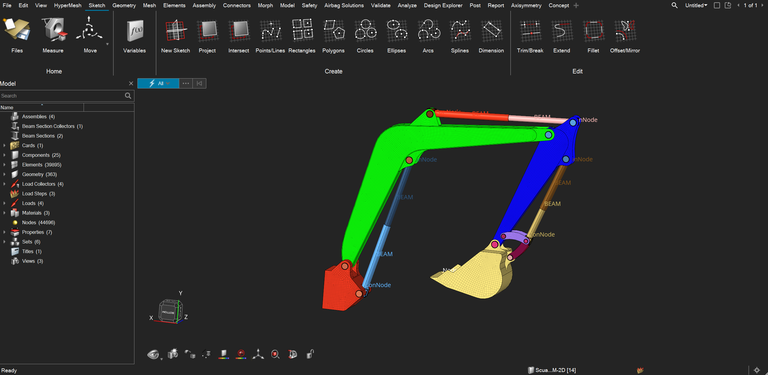
Altair's watertight meshing engine cuts preparation time by up to 80%. The interface automates feature capture while maintaining geometric fidelity for aerospace, energy, and automotive simulations. Tight coupling with OptiStruct enables topology optimization and multi-physics co-simulation.
Strengths: Industry-leading mesh quality, predictable perpetual licensing, topology optimization coupling.
Best for: Teams spending too much time on mesh prep, especially in automotive and aerospace.
6. SOLIDWORKS Flow Simulation - Best In-CAD CFD
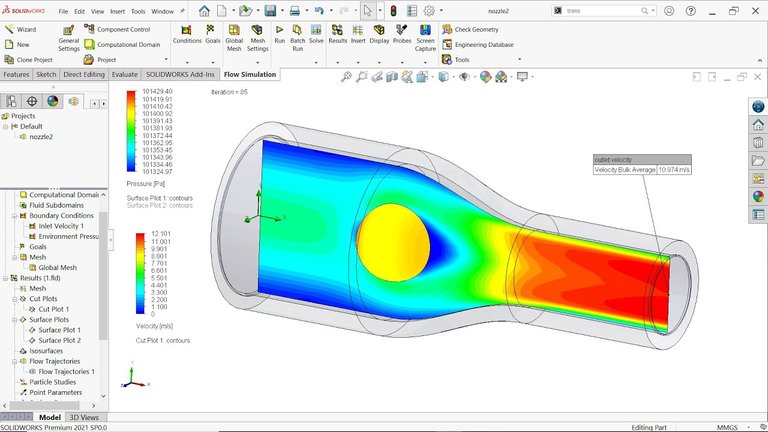
Built directly inside SOLIDWORKS, Flow Simulation provides cut plots, particle trajectories, and goal-oriented optimization without leaving your CAD environment. Wizards generate boundary conditions for internal, external, and heat-transfer analyses. The learning curve is minimal for engineers already comfortable with SOLIDWORKS.
Strengths: Zero context-switching, wizard-driven setup, parametric design studies within CAD.
Best for: SOLIDWORKS users who need quick aerodynamic and thermal validation during design.
7. COMSOL Multiphysics CFD Module - Best for Research Multi-Physics
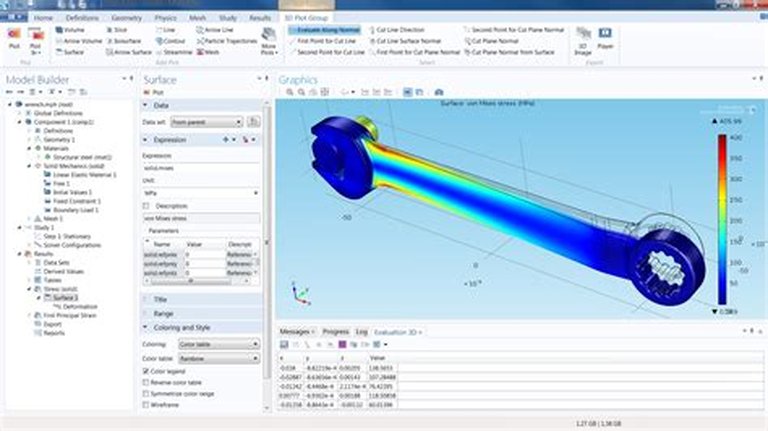
COMSOL uses finite-element numerical methods that seamlessly couple CFD with electromagnetics, acoustics, and structural physics in a single study tree. The CFD Module supports conjugate heat transfer, reacting flows, and electro-hydrodynamics-ideal for research that bridges fluid mechanics with other physical domains.
Strengths: Arbitrary physics coupling, equation-based modeling, application builder for custom GUIs.
Best for: Researchers and R&D teams solving problems that span multiple physics domains.
8. Creo Flow Analysis - Best Real-Time Visualization in CAD
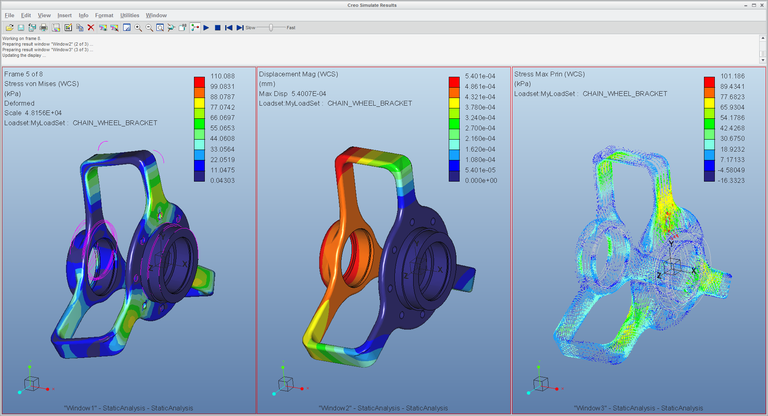
PTC's Creo Flow Analysis brings real-time result visualization and automated meshing directly into parametric CAD. Designers iterate on aerodynamics, pressure drop, and particle behavior without switching applications, shortening prototyping loops significantly.
Strengths: Real-time feedback, parametric CAD integration, low barrier to entry for designers.
Best for: Small-to-mid-size firms using Creo who want simulation without a separate tool.
9. Simulia XFlow - Best for Complex Moving Geometries
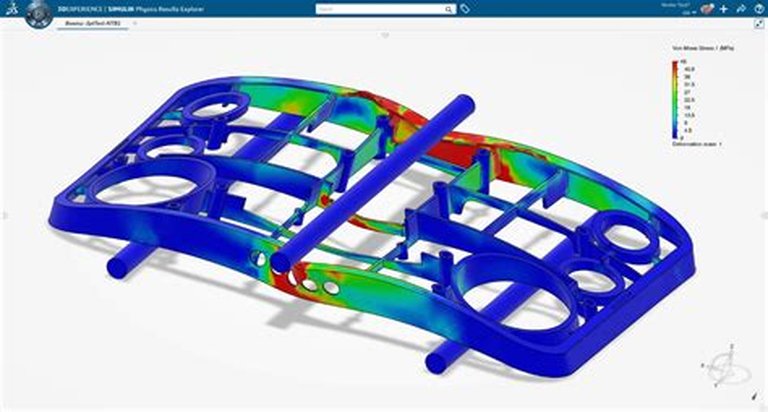
Dassault Systemes' XFlow uses a lattice-Boltzmann particle method that eliminates traditional mesh generation entirely. Automatic lattice generation, GPU acceleration, and high-quality visualization simplify moving-parts and lubrication studies for aerospace, automotive, and marine applications.
Strengths: Mesh-free approach, handles extreme geometry motion, GPU-native solver.
Best for: Engineers simulating rotating machinery, sloshing, or other scenarios where traditional meshing fails.
10. OpenFOAM - Best Free and Open-Source CFD
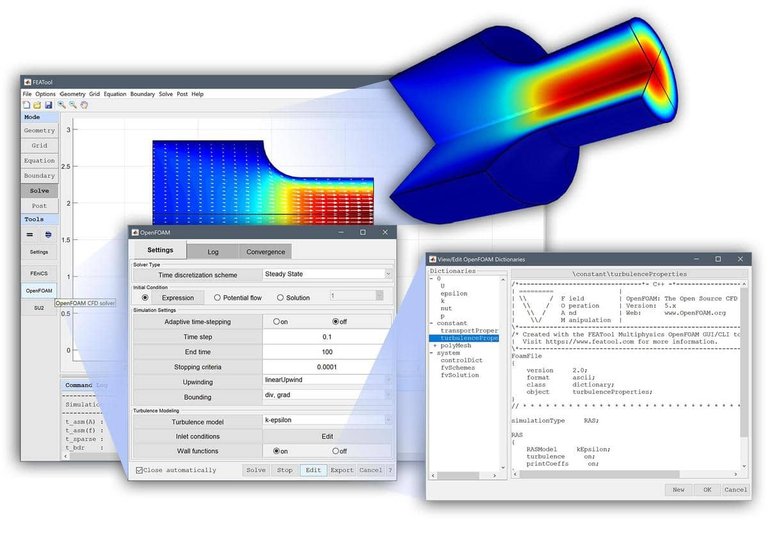
OpenFOAM is the most powerful free CFD software available. With hundreds of utilities spanning multiphase, turbulence, and heat-transfer libraries, users can modify source code, customize boundary conditions, and script bespoke post-processing pipelines. The CFD-Online community and extensive documentation make it accessible despite its command-line interface.
Strengths: Full source access, unlimited customization, zero cost, massive community support.
Best for: Academics, startups, and anyone who needs custom solver development without licensing costs.
How to Choose the Right CFD Software
Use this decision framework based on your primary constraint:
- Budget is zero: Start with OpenFOAM or SimScale's free tier
- Already own CAD software: Use the native CFD add-on (SOLIDWORKS Flow, Creo Flow, Autodesk CFD), then decide whether your broader design data needs PLM software with CAD integration
- Need validated results for compliance: Ansys or STAR-CCM+
- Multi-physics research: COMSOL Multiphysics
- Complex moving geometries: Simulia XFlow
- Cloud-first team: SimScale
- Mesh-heavy automotive/aero work: Altair HyperMesh
Free CFD Software Options Worth Considering
Not every project needs a $50K/year license. Here are viable free or low-cost paths:
- OpenFOAM - Fully open source, unlimited physics, requires Linux comfort
- SimScale Community - Cloud-based, limited compute hours but real industrial solvers
- Ansys Free Trial - 30 days of full Fluent access for small models
- Autodesk CFD - Available through educational licenses
FAQ
What is the best CFD software for beginners?
SimScale or SOLIDWORKS Flow Simulation. SimScale requires no installation and provides guided workflows. SOLIDWORKS Flow Simulation uses wizards that walk you through boundary condition setup within a familiar CAD environment.
Is OpenFOAM good enough for commercial work?
Yes. OpenFOAM is used in production by automotive OEMs, energy companies, and consultancies worldwide. The trade-off is setup time and the need for in-house expertise rather than solver capability.
Which CFD software has the best meshing?
Altair HyperMesh leads for automated watertight meshing speed. Ansys and STAR-CCM+ offer the broadest range of mesh types. SimScale provides AI-assisted meshing that works well for standard geometries.
Can I run CFD simulations without expensive hardware?
Yes. SimScale runs entirely in the cloud. OpenFOAM can run on modest Linux hardware for smaller models. Ansys and STAR-CCM+ also offer cloud burst options for peak workloads.
What is the difference between CFD and FEA?
CFD (Computational Fluid Dynamics) solves fluid flow, heat transfer, and mass transport equations. FEA (Finite Element Analysis) typically solves structural mechanics, vibration, and solid-body heat conduction. Some tools like COMSOL combine both in one environment.