Meshmixer
Meshmixer allows users to combine, sculpt, and modify 3D meshes with intuitive tools, offering features to repair meshes, hollow models, patch holes, and optimize parts for 3D printing.
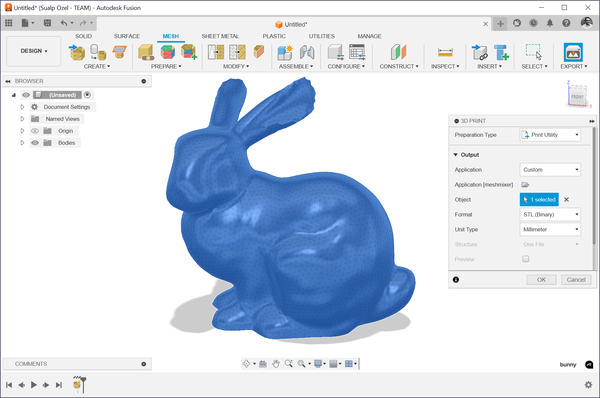
About Meshmixer
- Allows users to combine, sculpt, and modify 3D meshes using intuitive tools like MeshMix and Sculpture brushes.
- Offers editing features to repair meshes, hollow models, patch holes, and optimize material usage for 3D printing.
- Includes analysis tools to check part thickness, orientation, and strength to ensure printability.
- Supports automatic and manual generation of print supports for complex models with overhangs.
- Enables export to various formats like STL, OBJ, and 3MF for compatibility with other 3D tools.
- Provides a user-friendly interface suitable for beginners and professionals in fields like medical, dental, and design.
Technical Specifications
Platforms
Windows, macOS
Latest Version
3.5
License Type
Free
Pricing
Free
Free
Alternatives

Carbon Design Engine
Carbon Design Engine uses cloud-based, AI-assisted optimization to generate lightweight, manufactur…

AI-Build
AI-Build provides AI-driven toolpath optimization and real-time defect detection for industrial 3D …

KISSlicer
KISSlicer is a technically precise slicer for 3D printing that converts STL files to G-code with cr…
User Reviews
No reviews yet. Be the first to review Meshmixer!